ON THE DJGO MAPSOON
At the decks and on stage
Music brings its people together

Community, tools and promo for DJs: record your set without OBS, reels, sound for socials and clubs, DJ versions of tracks, stems and jingles, a DJ page in one link. Start free.
Pick a sectionstudio · streams · events · artist page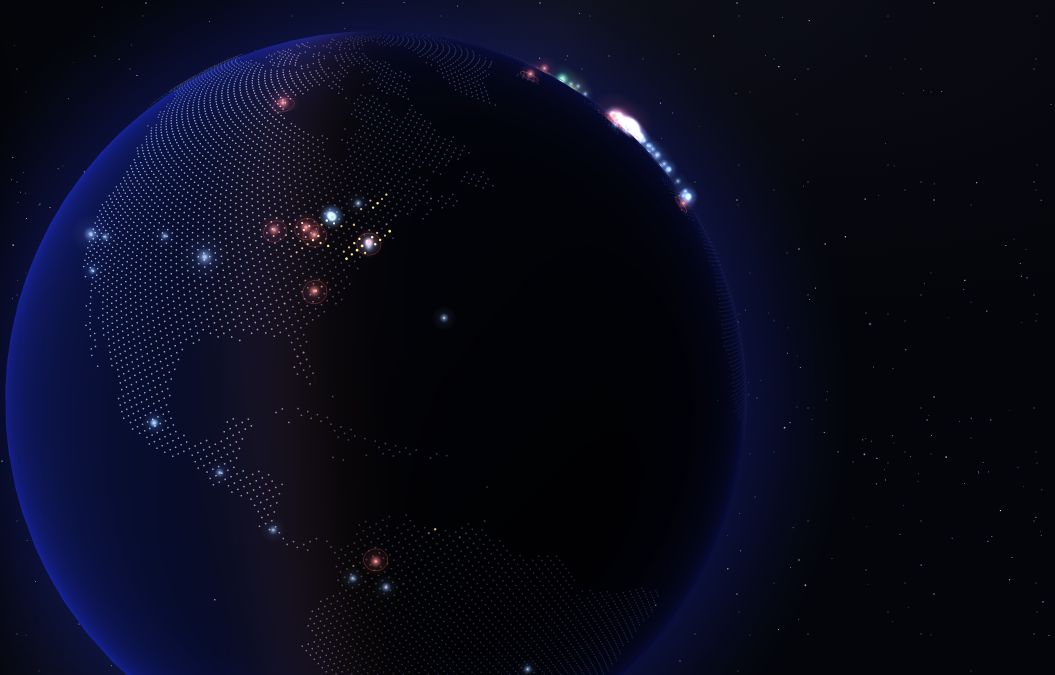
Your sound connects people
PROPRO tools · free week
Cameras and your mixer sound → a reel. Cuts land on the beat by themselves; you move the frame by hand. The auto reel from a stream is free — this is editing from several cameras.
Your mix sounds even and loud wherever it goes: a reel or a club system.
From a radio edit — an intro and outro for mixing. Exactly one phrase, so you have something to mix into.
The track splits into four parts. Hit M to mute what you don’t need and build your own.
Your voice or a voice-over, echo, space and a bed from your own track.
A podcast, an announcement or a phone recording — without noise, hum or room echo.
Name, BPM, key and cover — right in the file. rekordbox and Serato see them at once.
INSIDE DJGO · PICK A SECTION
DJGO LIVE · RIGHT NOW
DJGO and Twitch in real time. No sign-up needed.
Most listened right now
The next set can start any minute. Meanwhile, tune in to radio from around the world — or go live first.
The studio cuts a short vertical reel from the best moments of each set by itself.
ELECTRONIC MUSIC ON ONE MAP
Music from many countries
on one planet
MUSIC GOES BEYOND THE STREAM
Shows, parties and festivals on one map. See what’s on now and what’s next, pick a city and a genre and bring your friends.
Playing or organising an event? Add it to DJGO — it appears on the map once reviewed.
Add a party, show or festival — it appears on the DJGO map once reviewed.
Add an eventLoading events…
ARTIST PAGE
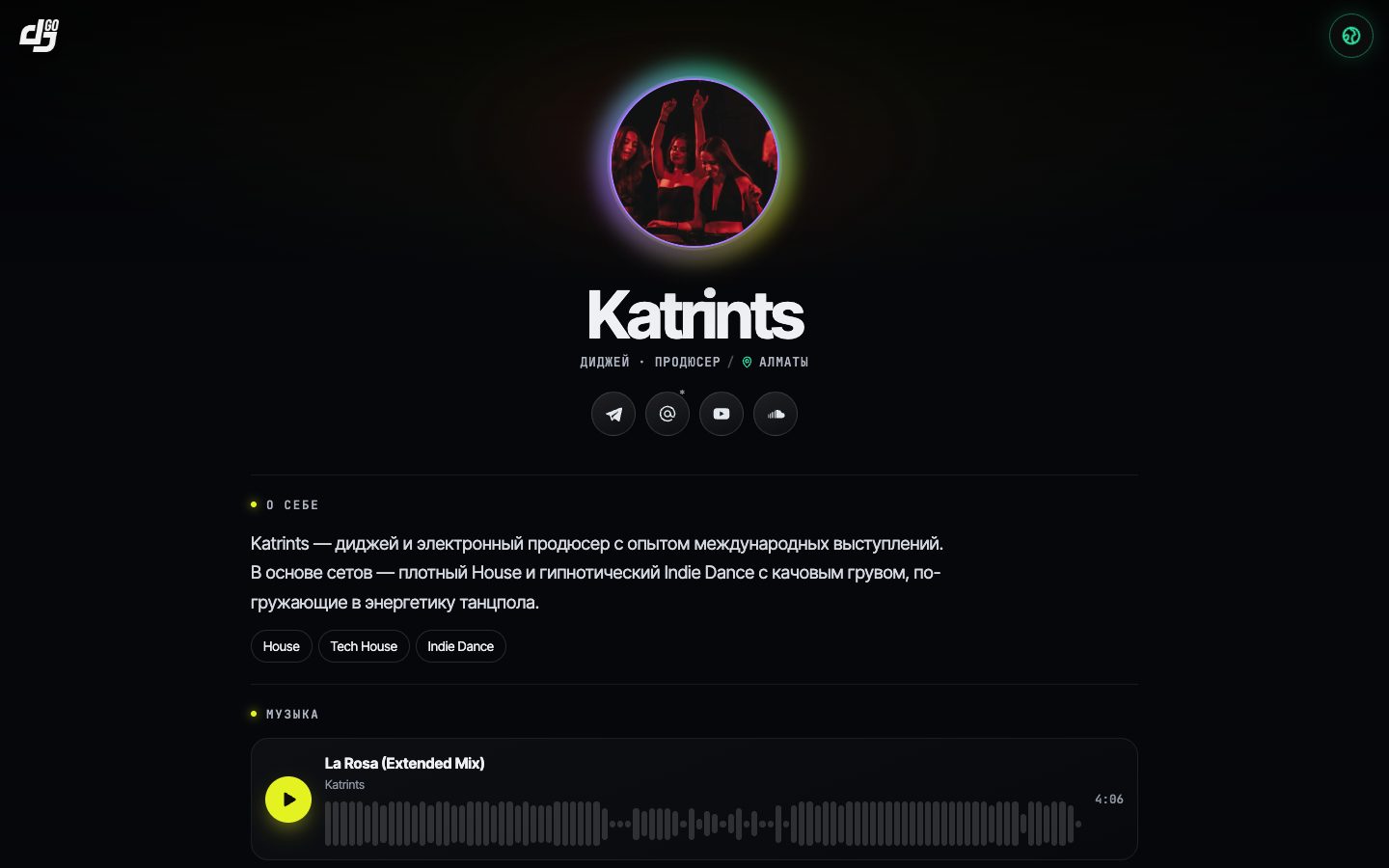
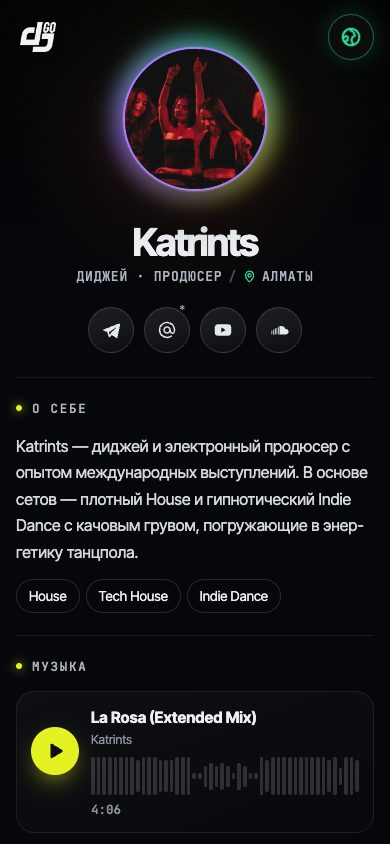
Music, videos, photos and contacts on one page: djgo.pro/your-nick. Send it to a promoter, put it in your bio, share it with friends after the set.
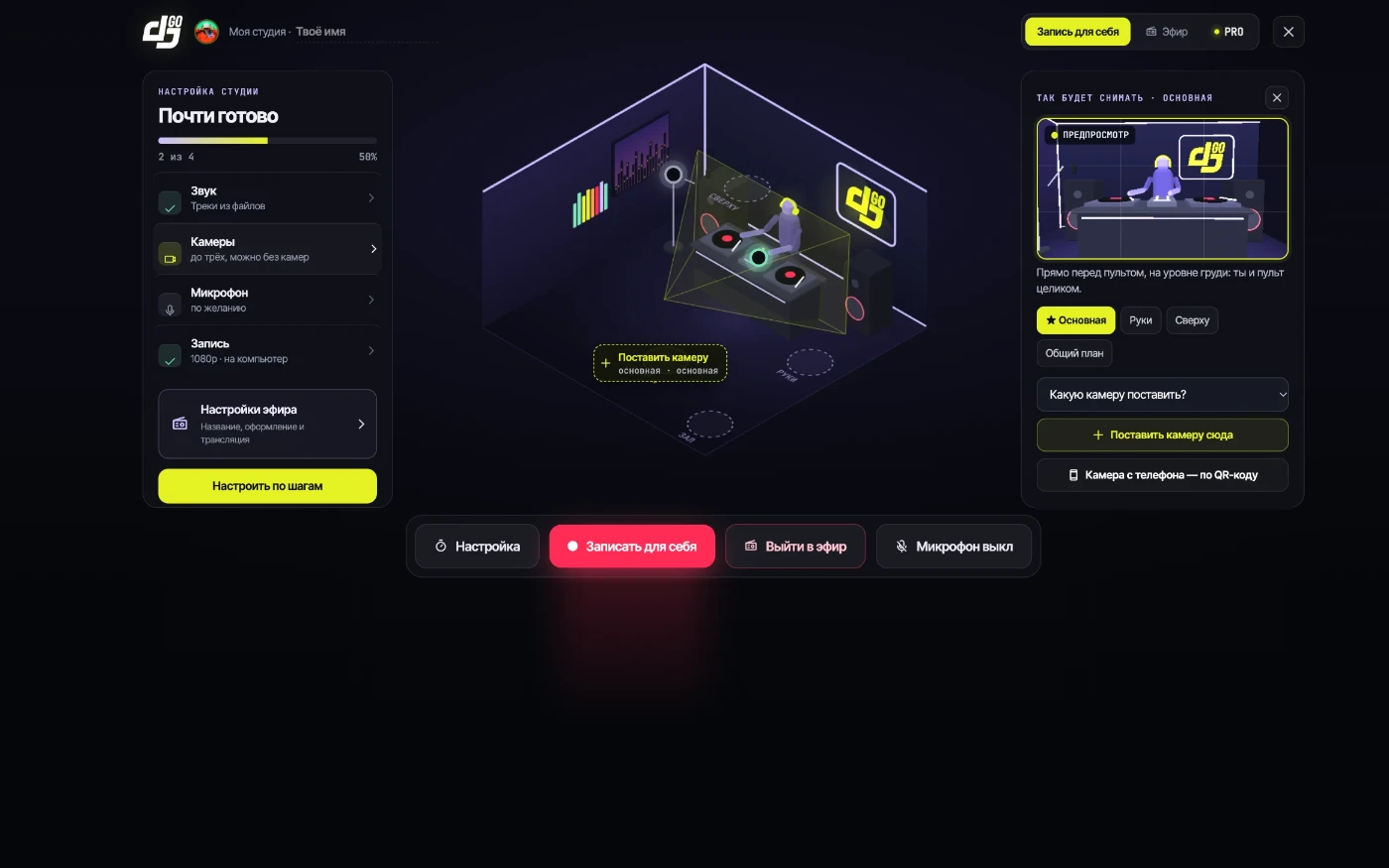
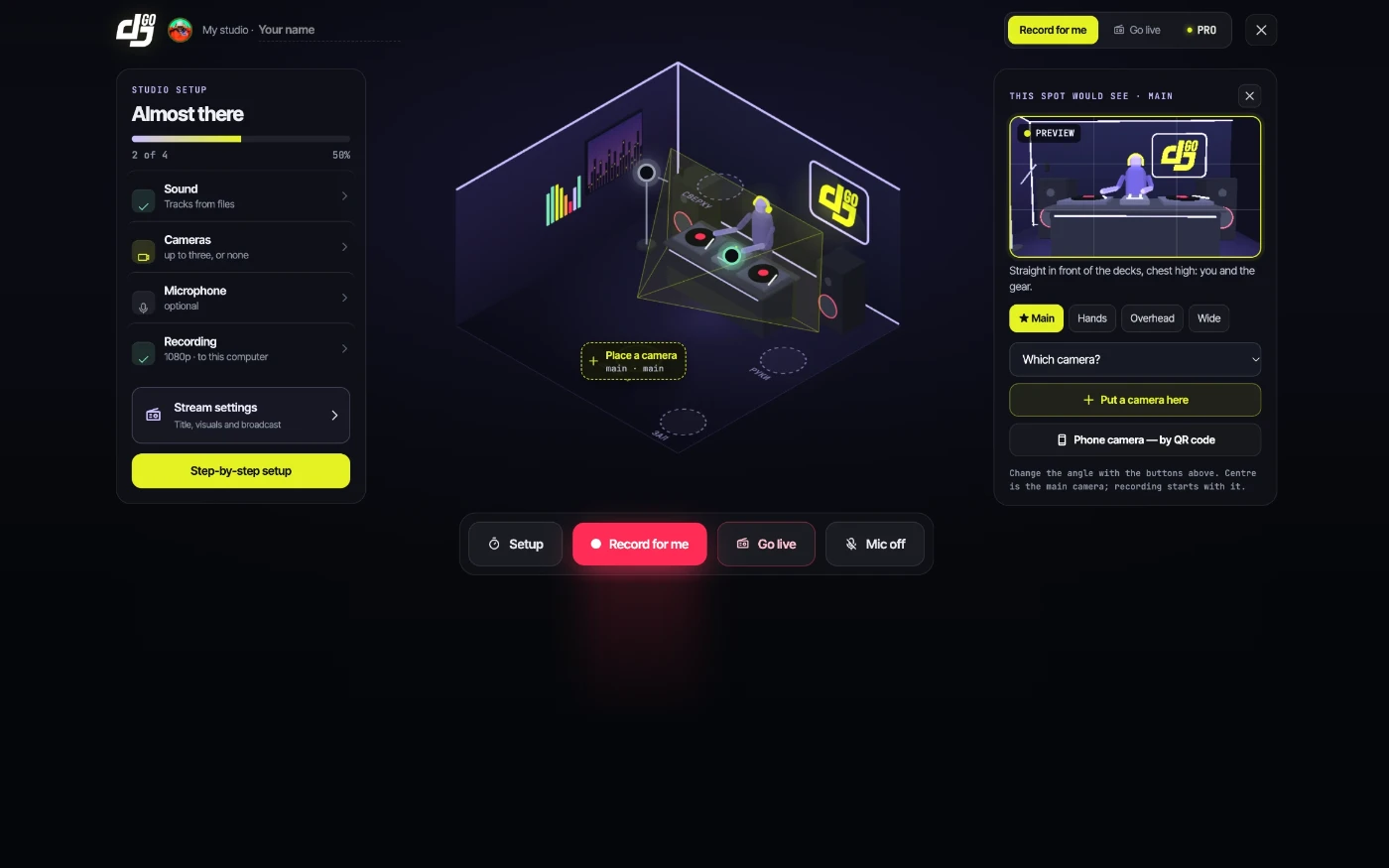
EVERYTHING FOR THE STREAM — ALREADY IN THE STUDIO
StudioCable, audio input or a browser tab — the studio shows how.
10 seconds — and you hear what viewers will hear.
Point it at the QR code — no apps, no cables.
Network dropped? The studio reconnects by itself.
Video and sound in one file — download right away.
The best moments of your set — a 15–30 second clip for Reels, Shorts and TikTok.
THE ROAD TO YOUR FIRST STREAM
Name, city, genre — a couple of minutes.
A moderator reviews it.
Sound and camera — with hints.
Share the link — viewers hit 🔥.
Download the set and the reel.
Record a set for yourself in “My studio” — no request, the files stay with you.
FROM THE FIRST SIGNAL TO YOUR AUDIENCE
STEP 1 / 4
Music from a browser tab or an audio input. Choose the source in the studio, check the level and add a camera, if you like.
Try the flow here without connecting any gear.
Music is connected in the real DJGO studio
Video · Chat · Follow the DJ
Stream exampleThe best moments are collected automatically — download and share them.
Mark a moment on the recording
Your nameMusic worth coming back toSend the link to friends. Viewers can open your socials with the “Follow the DJ” button.
Example card for friendsPEOPLE AROUND YOUR MUSIC
Invite friends to your streams and add a link to your channel or profile. People who like the set will find you more easily and follow your next shows.
After the stream, download the recording and share it wherever you talk to your audience.
A PLACE FOR YOUR MUSIC
Play your sets, listen to others and share what grabbed you.
Recording — right away, no request. Going live — by request, a moderator reviews it.
A DJ community with tools to promote yourself: reels from your set, video set recording, streaming from your browser, an artist page in one link, crews and events. For DJs who are just starting and for those who already play.
Set recording, the promo reel, your artist page, events and crews are free. Sound processing, jingles and video editing are in PRO, with a free first week.
Record your set in the Online studio — a promo reel from the best moments is made automatically. Download it and post it to Reels, Shorts or TikTok. Your own edit with cameras and effects is in PRO.
Sign in with Telegram or e-mail and fill in your artist page: photo, bio, mixes, videos and links. After a moderator checks it, it opens at a short address — send it to promoters and clients instead of a press kit.
Play music you are allowed to stream. Twitch may mute the recording.
Twitch rules ↗Open the “Online studio” — you can record a set right away, no request. To go live, send a request: once a moderator approves it, streaming opens in the same studio.
Sound comes from an audio input (mixer, audio interface, virtual cable) or a browser tab. The studio has tips for rekordbox, Serato, Traktor, djay and VirtualDJ for your system, and a sound check through the server before you go live.
The studio records your set and makes an automatic promo reel of the best moments. Download both to keep the set and share it. When recording on a phone, keep the page open and the screen unlocked.
Add your social link to the request. Viewers will see a “Follow the DJ” button. Send the stream link to friends and invite them to your next sets.
No. Everything runs in the browser on your computer, nothing to install. Chrome or Edge work best: in Safari sound comes only from an audio input, not from a tab.
Yes. In the studio tap “Phone as a camera” and point your phone at the QR code — it becomes the stream camera, no apps needed.
The studio reconnects and keeps streaming. If the page reloads, press “Continue the stream” — the timer and settings are kept.